
FrameBeanz
A downloadable Local Package for Windows
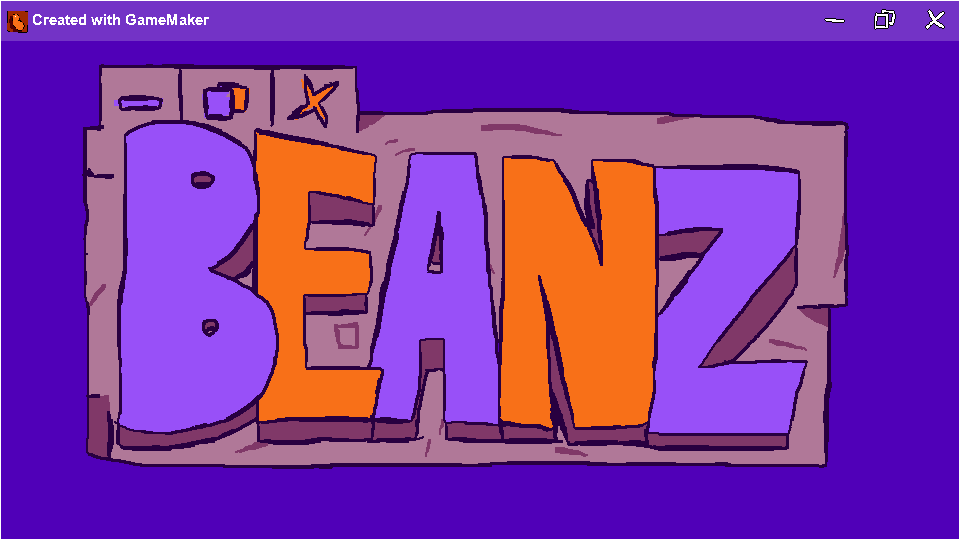
FrameBeanz, a free-to-use, easy-to-edit*, first ever alternative to gameframe GameMaker Studio 2... Local Package? Sorry. I don't know how to make Extensions.
I'm pretty sure this works for all GameMaker Studio 2 versions after uhh.... " IDE v2024.11.0.179 Runtime v2024.11.0.226". It might also work for previous versions. I don't know. You can still try it I guess.
With this thing, you can...
- Change title font
- Easily make your own window borders and share them
- Use it in your Pizza Tower fangame to make it look super cool and awesome sauce
- Make the game icon appear after the caption (So cool right i bet you've never seen that)
- Change the color of your border
- Wait for this thing to update and add YOUR suggestion! (really doing my best to make this as easy to use as possible)
And uhh.... huzzah to the free alternatives nation!!
Please give credit if used in a project.
*easy to edit if you know how to read shit code
Download
Install instructions
- Download file
- Open the project you want to use this in (Skip to step 7. if you know how to import a Local Package.)
- Find the "Tools" option from the top bar
- Select "Import Local Package"
- Pick the beanframe.yymps file you downloaded (takes just a bit to load the file in)
- Press "Add All" and then "Import"
- Put the "obj_framebeans" object in an initialization room, or whatever room you have at the very top of the Room Order.
- Enable "Borderless window" and "Full scale" from the Windows section of the Game Options. (I unfortunately dont own any other device I can test this thing on, so I don't know about any other systems.
I'm pretty sure you know how to open executables.
NOTE - The demo runs on the first release. It won't be updated. sorry!
And you're set!
Development log
- Small update.Nov 09, 2025
Comments
Log in with itch.io to leave a comment.
I'm sorry, but the code does not have any indentation in sight. Just because you can read the code, doesn't mean that everybody else can. This is very hard to read and as an open-source easy-to-modify extension it should be easily read by almost anyone (not saying you have to dumb down the code, at the bare minimum, add some indentation, please).
Also my friend and I suspected usage of stolen code, because of the fucked up indentation, but take that with a grain of salt.
alright, thanks for the criticisms. i'll be changing the description to be more accurate.
about the stolen code part, it was kind of insulting but i guess i can see your point. i've just been coding like this for several years now, and i don't see it changing.
tl:dr i don't steal code, my code is just fucked up
Alright. I'd like to ask though, how and why is the indentation just non-existent? GMS has automatic code indentation so I'm curious why you decided to get rid of it. Also use the tab key if you ever wanna quickly indent something and shift + tab to get rid of it.
i just find it easier to write code without indenting it.
i don't have to stop and pause to think "oh wow this looks bad", i just write the code and move on. i didn't get rid of it, i just wrote the code as fast as possible. (also i knew about the tab thing)
Fuck is this name
It's the first thing that came to my mind. Sounded silly, so I went with it.